Organizations and projects
How Testmode is organized: an organization holds members, a plan and its credits, and projects; a project holds the environments, logins, variables, tests, runs, findings and Self-driving’s map for one app.
Testmode has two levels. An organization is a workspace for a company or team: its members, their roles and its plan. A project inside it holds everything needed to test one application.
- Organization
Members and their roles, the plan and its credits, allowed email domains- Project
Everything you need to test one application- Environments
The sites your tests run against, such as production and staging - Credentials
Logins that tests and explorations use automatically - Variables
Reusable values for steps and Expected Outcomes - Test cases
Tests written in plain English, with their compiled operations - Test plans
Groups of test cases, with their schedules - Runs
Each run uses one environment and holds one test per test case- Tests
One test case run once, with its verdict, replay and logs
- Tests
- Findings
What testing found in the app, and what each turned out to be - Self-driving
Its settings and goal, the Inbox, its activity and explorations - Map
The app’s screens and journeys, and what your team taught it - API keys
Keys that let CI and AI agents start runs in this project
- Environments
- Project
Organizations
Section titled “Organizations”An organization is where people and money live:
- Members each have a role, Owner, Admin, Editor or Viewer, that applies to all of the organization’s projects. See Roles and permissions.
- The plan belongs to the organization, and so do its credits. Every project and every member draws on the same balance. See Plans and billing.
- Allowed email domains, when set, limit who can be invited. See Manage your organization.
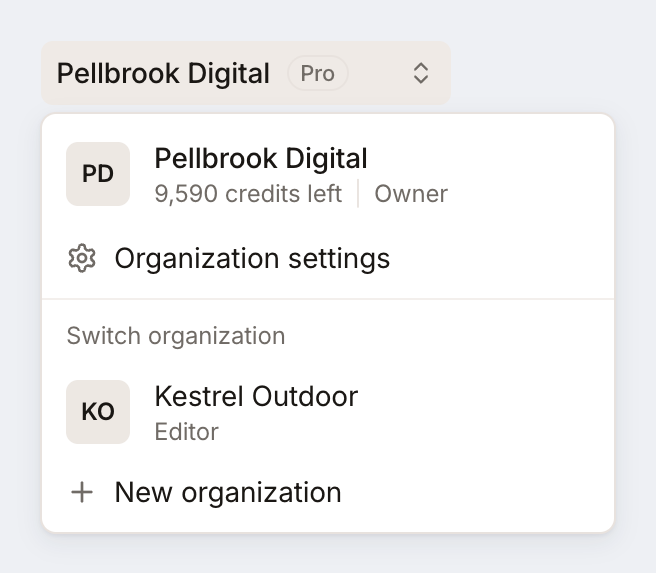
You can belong to several organizations, with a different role in each: one per team or brand, or a client’s organization that invited you. Your account, email address and password are the same everywhere. Click the organization’s name at the top of the sidebar to switch between them; New organization in the same menu creates another one. Each organization has its own plan, and the Pro trial is offered once per organization.
Projects
Section titled “Projects”A project holds the tests for one application. Use one project per app, and add its staging, production and preview sites as environments of that project rather than as separate projects. Then the same test cases run against every site. On the Free plan, an organization has one project with one environment.
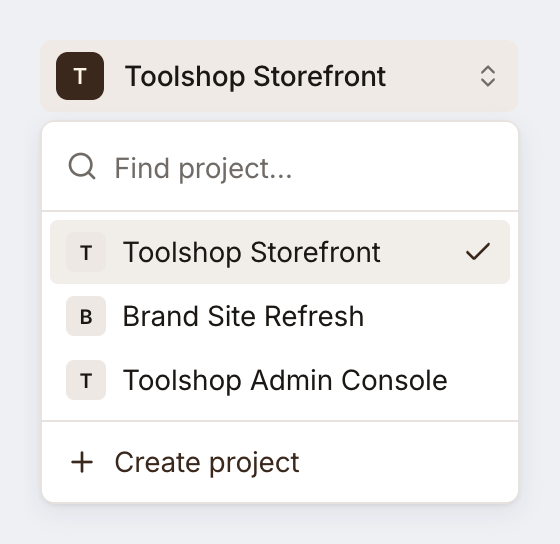
The project switcher below the organization’s name moves between the organization’s projects, finds one by name, and creates a new one with Create project. Testmode remembers the last project you opened.
Everything in a project stays in that project: a test case can only use the project’s own environments, credentials and variables, a plan only holds the project’s own test cases, and Self-driving works on one project at a time, with its own settings, goal and map.
Which project or environment?
Section titled “Which project or environment?”| You have | Use |
|---|---|
| One app with staging and production | One project, two environments |
| A web shop and a separate admin console | Two projects |
| The same app for several customers, each on its own domain | One project, one environment per customer, if the tests are the same |
| Two teams that must not see each other’s tests | Two organizations |