Pause testing and protect data
Two safety rules every project has: Pause testing stops schedules, CI runs and Self-driving at once, and tests marked Changes data never run on a production environment unless that environment allows it.
Testing can run on its own: schedules, CI pipelines and Self-driving start runs without anyone clicking Run. Two rules keep that safe, whoever starts the run: the app, the API, an AI agent or Self-driving.
Pause testing
Section titled “Pause testing”Pause a project during a release, an incident or a migration, when tests would only add noise or load.
-
In the sidebar, click Settings. The General tab opens.
-
Under Testing runs on its own, turn off the switch.
While testing is paused:
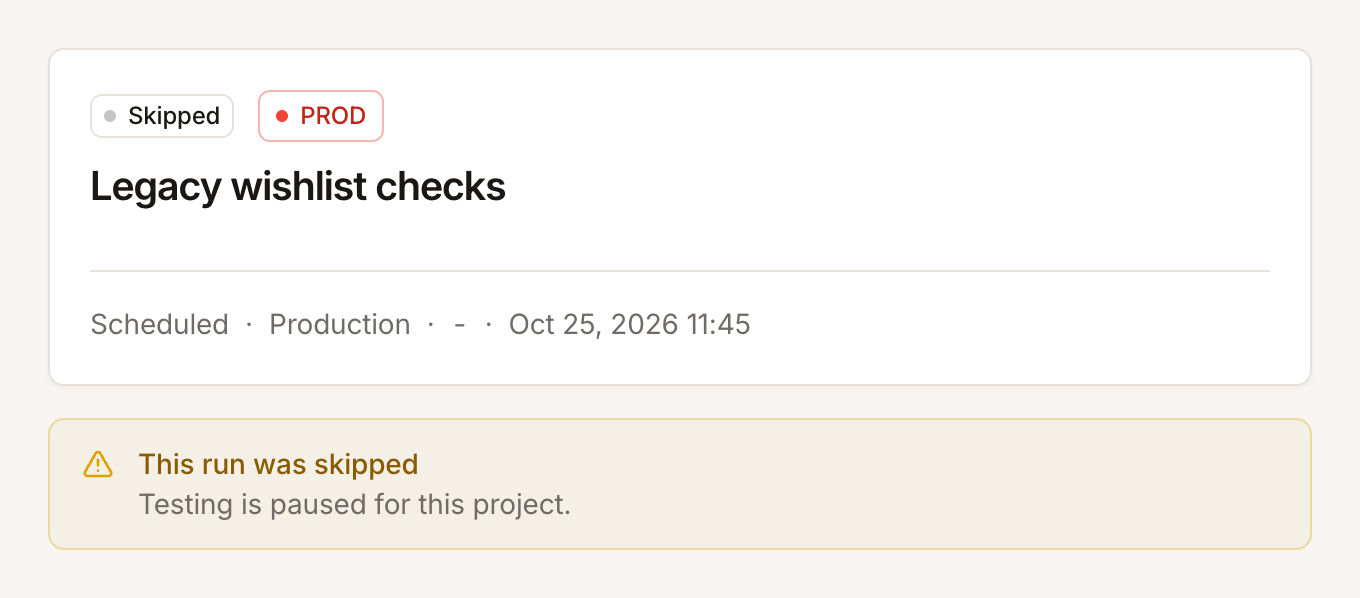
- Schedules don’t run. Each tick is recorded as a Skipped run with the reason, folded into one row while it keeps happening.
- Runs from CI, the API and AI agents are refused.
- Self-driving starts no exploration, review or investigation, and a review can’t be asked for.
- You can still start a run or an exploration yourself.
The card reads Testing is paused and says since when. Turn the switch on again to resume. You need the Editor role or above to pause or resume, and the assistant can pause a project for you after checking with you.
Tests that change data
Section titled “Tests that change data”Some tests change real data: they place an order, send a message, delete a record. On staging that is what you want; on production it can cost money or reach real people.
Mark such a test case Changes data in its editor (under Optional): it submits, buys, deletes or sends something real. Self-driving marks the tests it finds that do.
A test case marked Changes data is left out of every run on a production environment, unless that environment allows tests that change data. The run page says so, for example 1 test that changes data left out, and the run’s credits are reserved only for the tests that run.
Allow it on a production environment
Section titled “Allow it on a production environment”-
In Settings > Environments, open the production environment.
-
Under Production environment, turn on Run tests that change data here too.
-
Click Save.
The environment then runs every test, including tests that change data. Turn it off to leave them out again. The setting is offered only on environments marked Production environment; every other environment runs every test.
Explorations on production
Section titled “Explorations on production”An exploration’s crawl only reads pages: it fills in no form but the login and clicks nothing but a cookie banner. Its exploratory tests do click and type; on a production environment that does not allow tests that change data, they stop short of anything that would keep data. Every page opened is still a real request, so list paths whose links change data under the exploration’s paths to skip. See Start an exploration.