Your profile
Your Testmode profile: your display name, email reports for runs you start, the AI apps you connected over MCP, and your role in each organization.
Your profile is yours alone, the same in every organization. Open it from the organization menu at the bottom of the sidebar: click Profile.
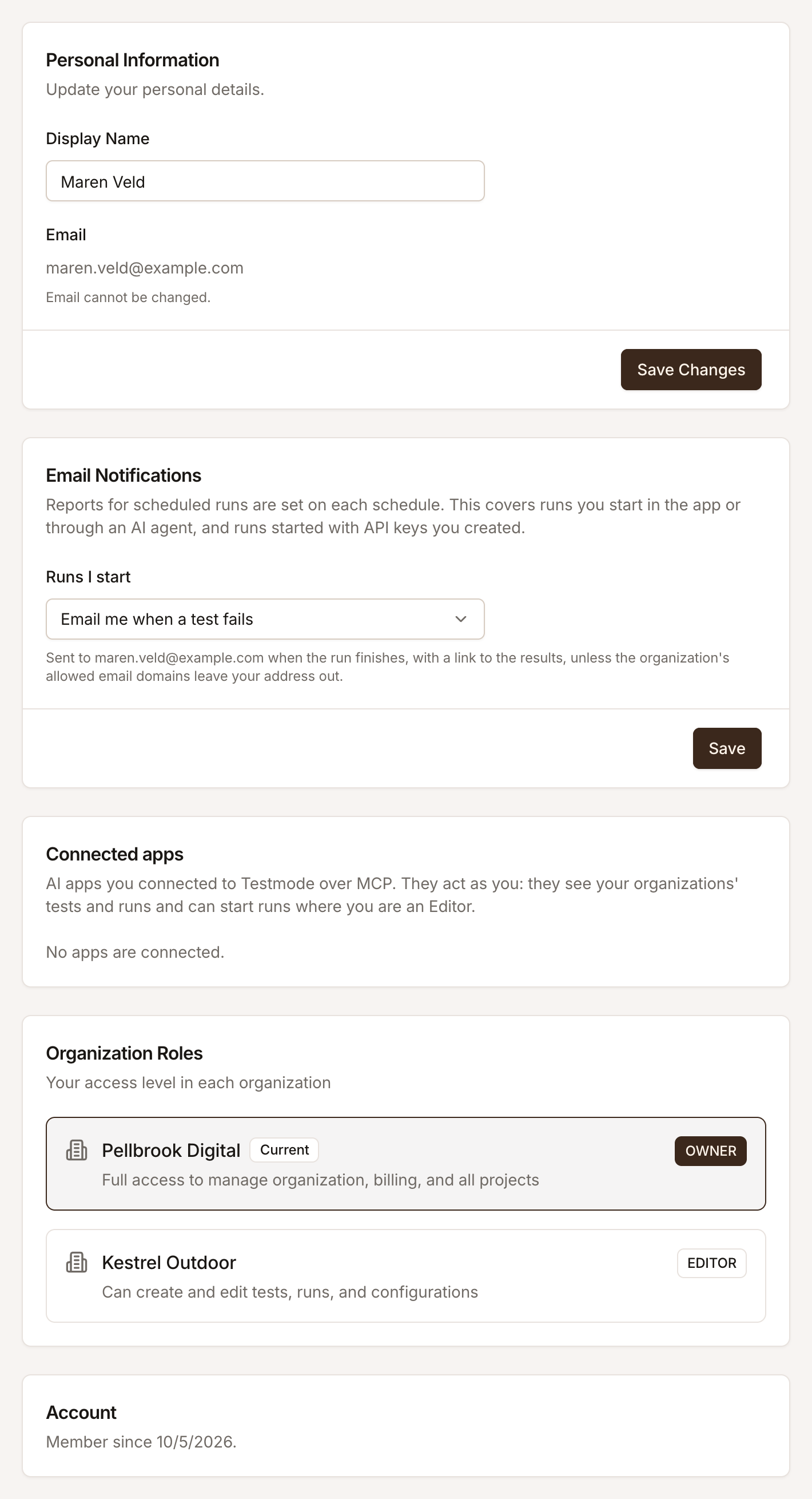
Personal Information
Section titled “Personal Information”Change your Display Name and click Save Changes. Your name appears on the runs you start and in your organizations’ member lists. Your email address can’t be changed.
Email Notifications
Section titled “Email Notifications”Runs I start decides whether you get a report email when a run you started finishes: Don’t email me, Email me when a test fails or Email me after every run. It covers runs you start in the app or through an AI agent, and runs started with API keys you created. Reports for scheduled runs are set on each schedule. See Email run reports.
Connected apps
Section titled “Connected apps”AI apps you connected to Testmode over MCP, such as Claude or ChatGPT. They act as you: they see your organizations’ tests and runs and can start runs where you are an Editor or above. Disconnect cuts an app off at once: its next request fails. See Connect an AI agent over MCP.
Organization Roles
Section titled “Organization Roles”Your role in each organization you belong to, with the current one marked. Another Owner or Admin changes your role; see Roles and permissions.
Password and theme
Section titled “Password and theme”- Password: use Forgot password? on the sign-in page to set a new one. See Reset your password.
- Dark mode: the switch is in the organization menu.
Related
Section titled “Related” testmode
Better software quality. No manual testing. Your team knows the software. Testmode does the testing.