How test runs are counted
One test run per test case executed, whatever its steps. When a run reserves test runs, which tests count, which are given back, and what happens when you run out.
Your plan includes a number of test runs. Running one test case uses one test run, however many steps it has and however long it takes. You pay for a verdict on a test case, not for how the test happens to be written.
What a run uses
Section titled “What a run uses”A run uses one test run for each test case it executes. Here is a run of Pellbrook Digital’s Storefront smoke plan:
| Test case | Steps | Test runs |
|---|---|---|
| Search finds hammers | 2 | 1 |
| Filter catalogue by the Hammer category | 2 | 1 |
| Product page shows price and Add to cart | 2 | 1 |
| Add a product to the cart | 4 | 1 |
| Login rejects an unknown email | 2 | 1 |
| The whole run | 5 |
- Switched-off test cases are left out and use nothing.
- Test cases with no steps and no Expected Outcome are left out and use nothing.
- Explorations use no test runs. During a trial, starting one needs at least one test run left.
- The Assistant uses no test runs. It writes and changes tests; it doesn’t run them.
- Runs from CI and AI agents count the same way as runs started in the app.
When test runs are reserved
Section titled “When test runs are reserved”A run reserves all its test runs when it is created, before any test starts.
- All or nothing. When there aren’t enough test runs left for the whole run, no run is created. The Run tests dialog says so and disables Run; the API answers with an error that says how many are needed and available.
- Scheduled runs are skipped, not half-run: a schedule that fires without enough test runs records a Skipped run with the reason. See Schedule test plans.
- The earliest-expiring test runs are used first, so a trial’s or a month’s allowance is spent before anything that lasts longer.
Which tests count
Section titled “Which tests count”| The test… | Counts? |
|---|---|
| Passed | Yes |
| Failed on a step, on the Expected Outcome, or by running out of time | Yes: finding what broke is the point |
| Failed because the page stopped responding (a script blocking it, a dialog left open) | Yes: that is the site failing |
| Failed at login, before any step ran | No |
| Never started: the site could not be reached, or its test case or environment was deleted first | No |
| Ended on Testmode’s side: our AI model or browser failed | No |
| Was skipped because its test case was switched off while it waited | No |
A test that didn’t count shows “Not counted against your test runs” on its page, and the History on the Billing tab shows “Returned (test did not run)”, linked to the run.
When you run out
Section titled “When you run out”The sidebar turns amber when few test runs are left. When a run needs more than you have:
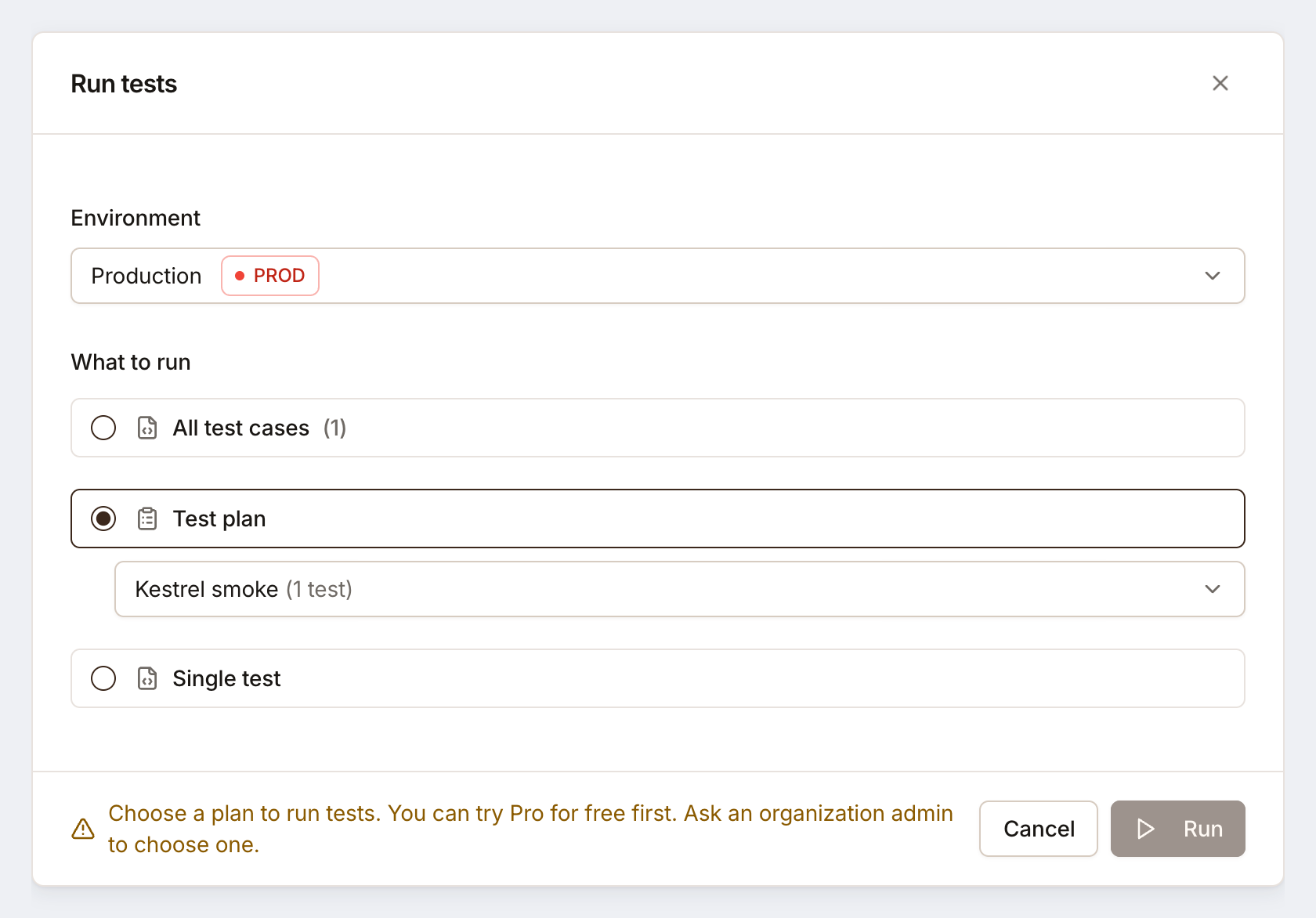
- Owners and Admins see a link to the Billing tab, where they can upgrade, or end the trial early with Start Pro now.
- Editors are told to ask an organization admin to choose or upgrade the plan.
Test runs come back with the next billing period. Unused ones don’t roll over.
Related
Section titled “Related” testmode
Better software quality. No manual testing. Your team knows the software. Testmode does the testing.